Pro Web App
Rustalytics Pro is a hosted Rust+ bot at rustalytics.com/app: 24/7 uptime, web dashboard, Discord bot install, smart-alarm relays, team sharing, and a 24-hour free trial.
Before you start
What you get with Pro
- 24/7 hosted bot — your Rust+ session stays connected even when your PC is off.
- Web dashboard at rustalytics.com/app with the same map, chat, team, vending and switches panels as the desktop app.
- Discord bot — install it in your guild for raid alerts, alarm relays, server stats and a chat bridge. Read the Discord bot guide.
- Smart-alarm relay — fired in-game alarms get pushed as Discord embeds and DMs.
- Team sharing — paste a teammate's Steam ID and they see the same dashboard.
- Auto-saved settings — every alert toggle from your desktop app is already there.
24-hour free trial
Pro starts with a free 24-hour trial — no card required up-front. Click Start free trial and Rustalytics flips your account to Pro for exactly 24 hours. After that, subscribe to keep the dashboard or it falls back to Basic.
Dashboard tour
Sign in and visit /app. The left rail lists every server you've paired; the main column shows recent notifications, your subscription, and shortcuts.
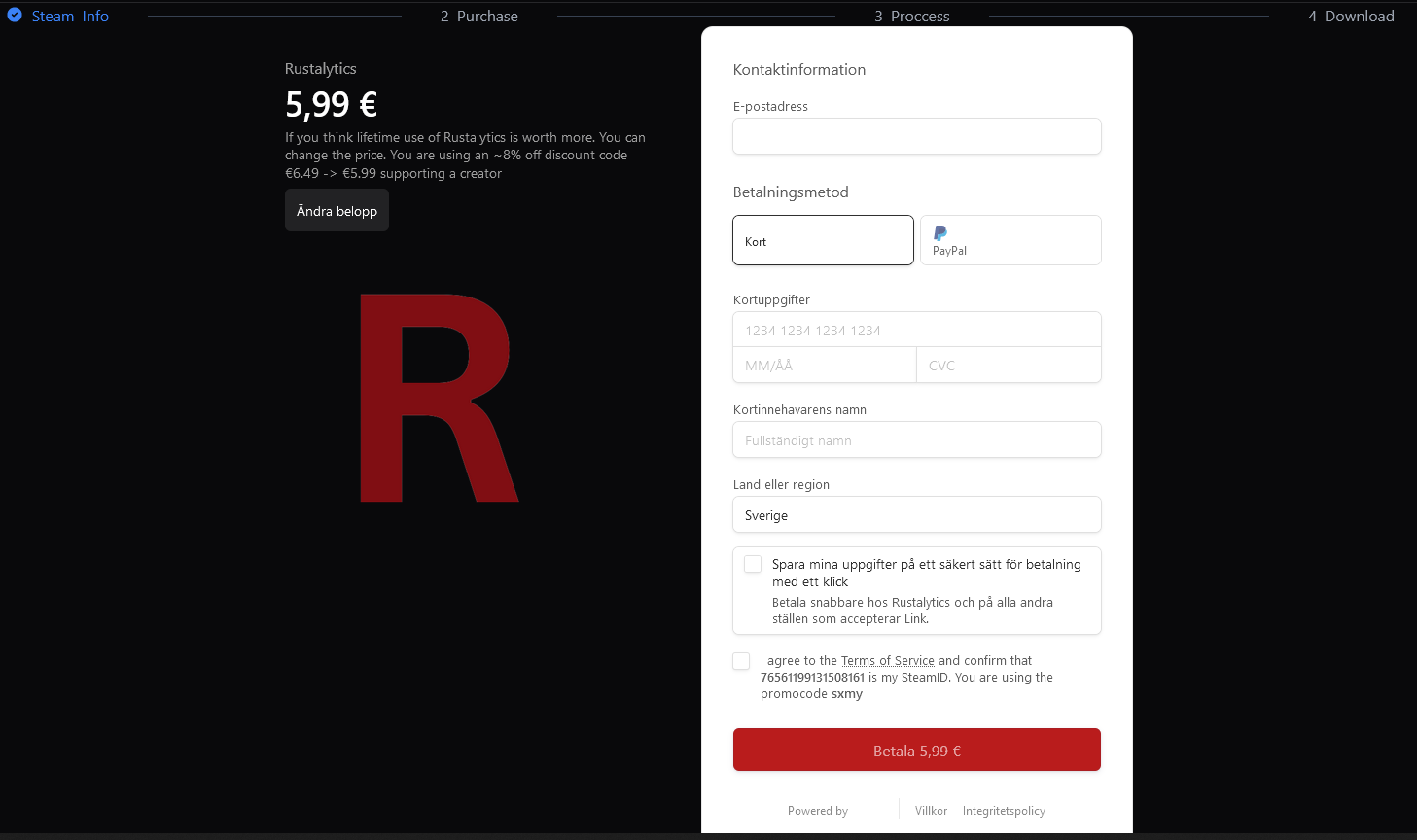
The dashboard surfaces:
- Paired Rust+ servers (click any to open the live view).
- A live notifications feed over WebSocket — alarms, pairings, deaths.
- Your free-trial countdown or active Pro subscription details.
- The Manage Subscription button (Stripe portal).
- The Add a teammate form (Steam ID).
- The Verify Discord / install-bot flow.
Live server view
Click Connect to Server on a paired server and
Rustalytics opens /connect/<webId> — the same seven panels as the
desktop app, in the browser:
- Map, Chat, Team, Vending search + watcher, Server Players, Tracked Players, Switches.
- Topbar copy-connect, status indicator, watch-all / clear-all vending, refresh, clear-chat.
- Same chat commands work in-game; messages also surface in the web Chat panel.
Add a teammate
Pro lets your squad share a single hosted bot. On the dashboard, paste your teammate's Steam ID and click Add Member. They get access to the same paired servers, the same chat, the same map, the same alarms — without a second subscription.
You can add multiple teammates. Removing them is one click — they lose access immediately.
Discord bot install
From the dashboard, click Verify Discord,
authorize Steam, then run /install in your guild. The bot
creates a notifications channel, links it to your Rust+ session, and starts relaying
alarms. Step-by-step in the Discord bot guide.
Manage subscription
Manage Subscription on the dashboard opens Stripe's customer portal. From there you can:
- Update your payment method.
- Switch between monthly and yearly.
- Cancel — your access stays active until the period ends.
- Download invoices and receipts.
Settings sync
Every alert and message-formatting toggle from the Settings reference is also editable from /app — same keys, same defaults.
Changes save instantly to our servers and apply to the hosted bot live.